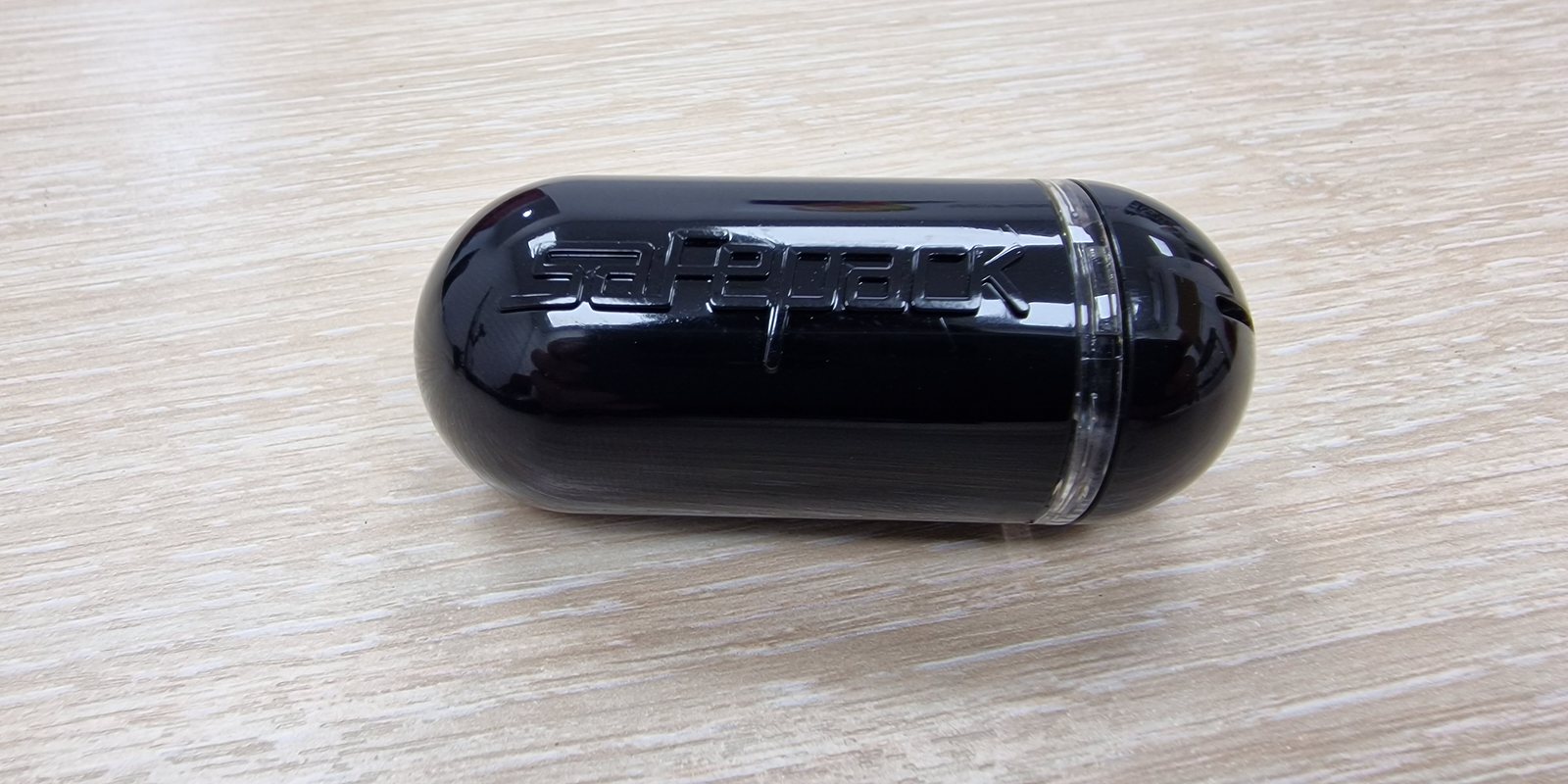
BIOCARD monitors temperature-sensitive shipments with smart sensors and provides temperature records and shipment reports for your quality file. Data may be available during transit or downloaded after delivery, depending on the selected sensor and connectivity arrangement.
Know what happened inside the shipment — not just where the vehicle was.
Connectivity is stated per arrangement: sensor data may be read during transit where a compatible device or gateway is present, or downloaded on delivery. We describe the exact capability in your shipment plan — not a blanket "live tracking everywhere" claim.
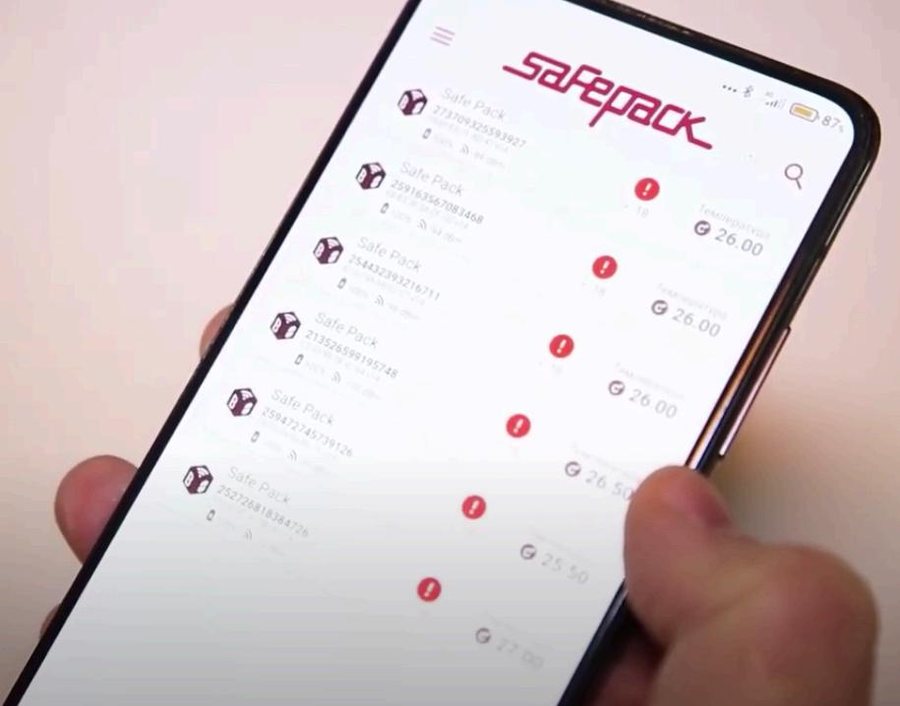
Shipment conditions reviewed in the SafePack monitoring app.
Every monitored shipment can close with a report — the document your quality team needs for release decisions, deviation handling and audits. It is not a screenshot of a map; it is the recorded truth of what the payload experienced, from pack-out to delivery.
A SafePack shipment report typically sets out, on a single sheet:
This is what turns “it should have been fine” into evidence a QA lead, an auditor or an investigator can actually act on. We provide the report per the agreed scope, and it can be shared by app, email or web.
See real test reports and how it fits our approach to quality & compliance.
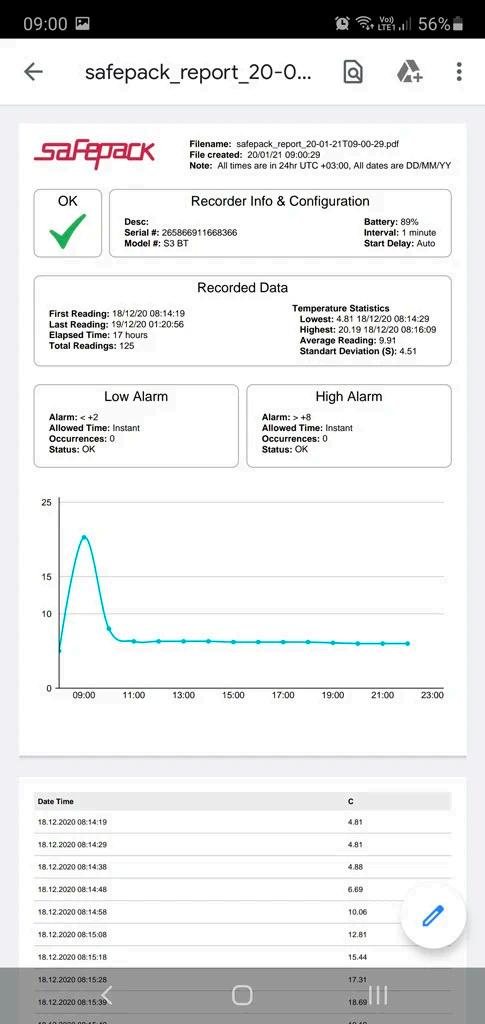
A real SafePack shipment report — recorder info, statistics, alarm status, the recorded curve and the data table.
Our own smart thermo-loggers travel with the payload and can be read wirelessly — from up to 100 metres away — so a shipment can be confirmed in range without ever opening the container and disturbing its conditioned interior.
Temperature, humidity, movement and light — not just how warm it got, but what happened to it.
One device covers frozen, refrigerated and controlled-ambient regimes.
Maintenance-free, no recharging and no special programming between shipments.
Share data and reports by app, email or web — and integrate the record into your own systems.
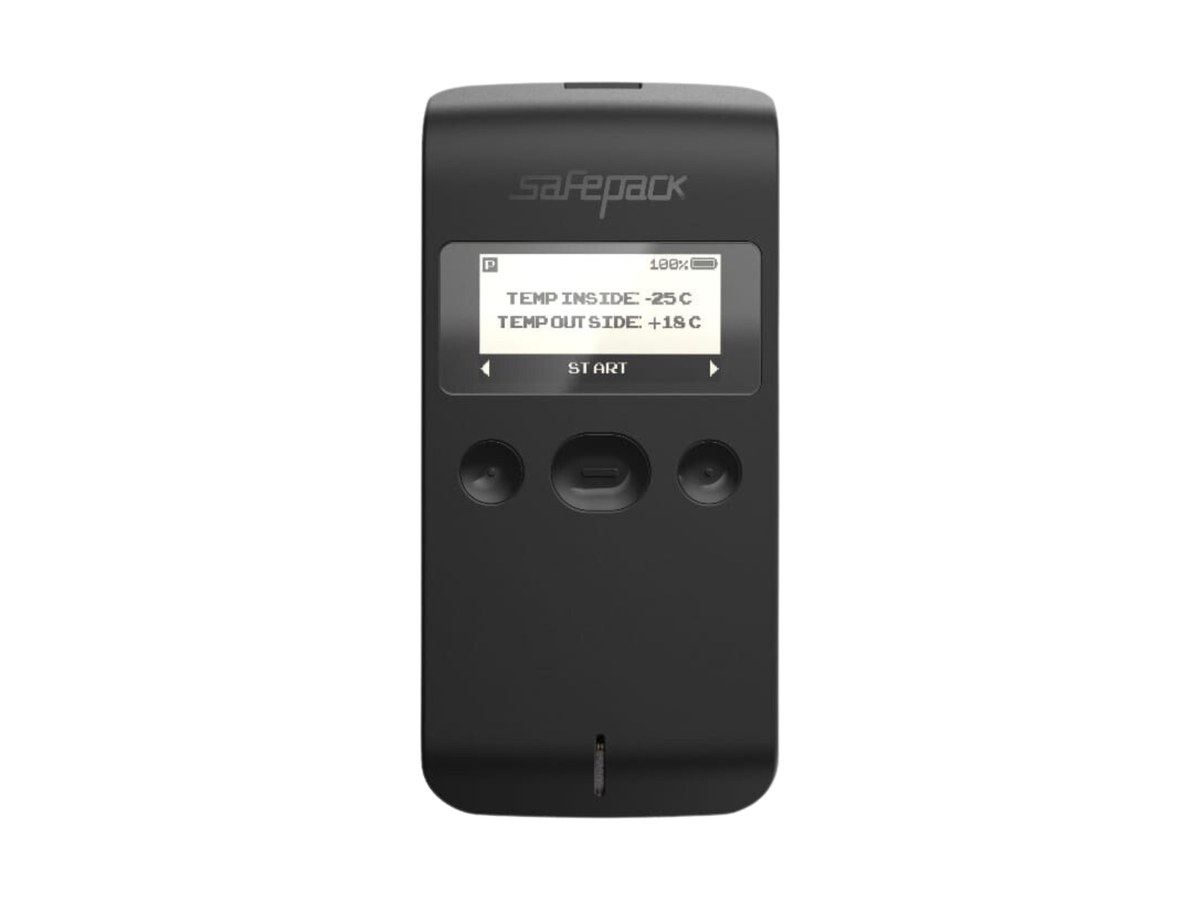
Read from up to 100 m without opening the box keeps the cold chain closed while visibility stays open. How the sensor works →
How we build it and where AI is actually used: Technology and AI at BIOCARD →
BIOCARD’s monitoring and sensor software is built by our own technology team — including a 15-person AI team developing customizable AI solutions. Most Gulf couriers cannot claim in-house technology of this depth.
The same team that builds our sensors and monitoring can also build custom AI solutions for logistics and operations. If that’s useful to your organization, we can help with that too.
Tell us about the shipment. A BIOCARD specialist will review the route, temperature requirement and shipment details before responding.